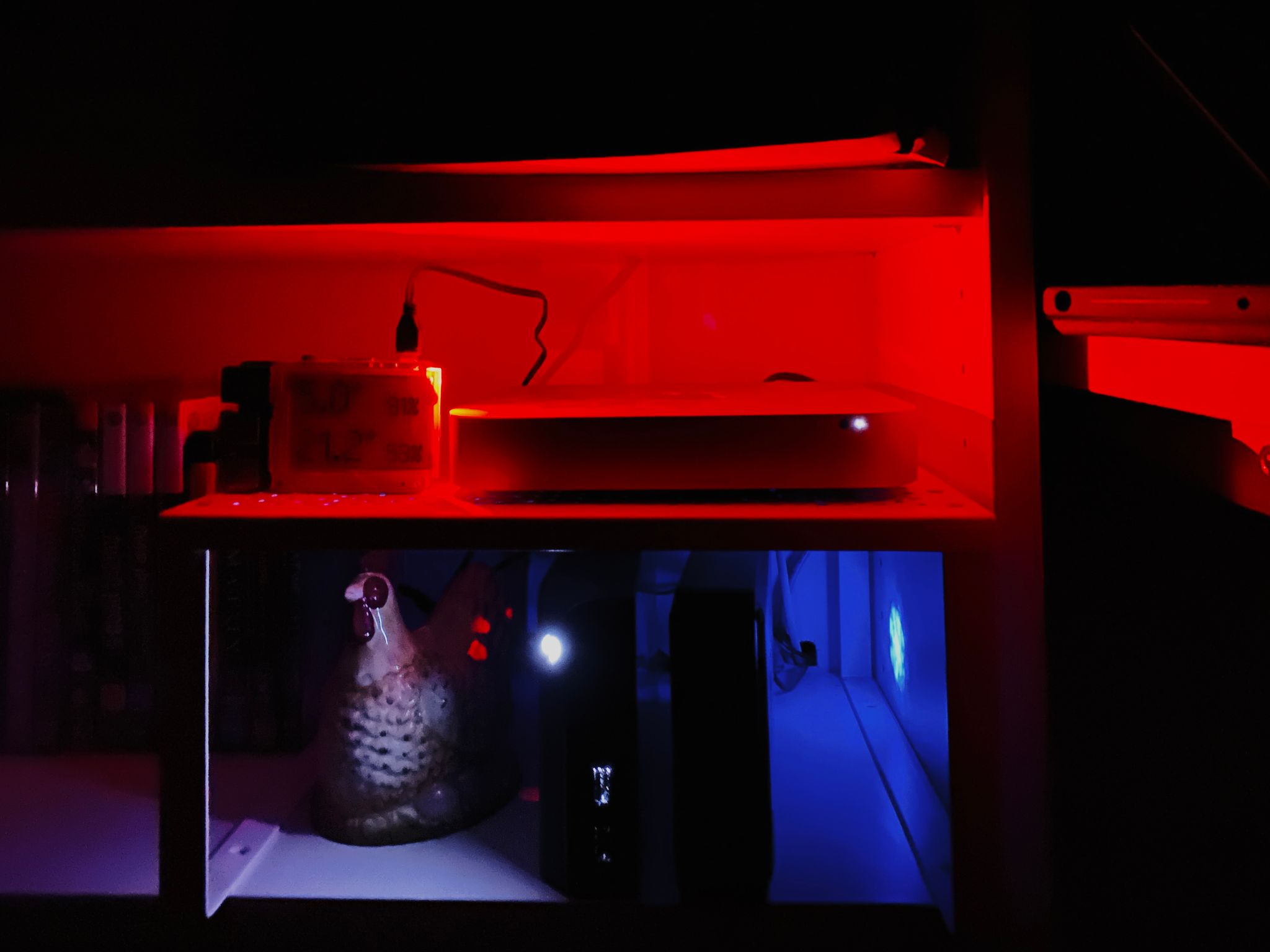
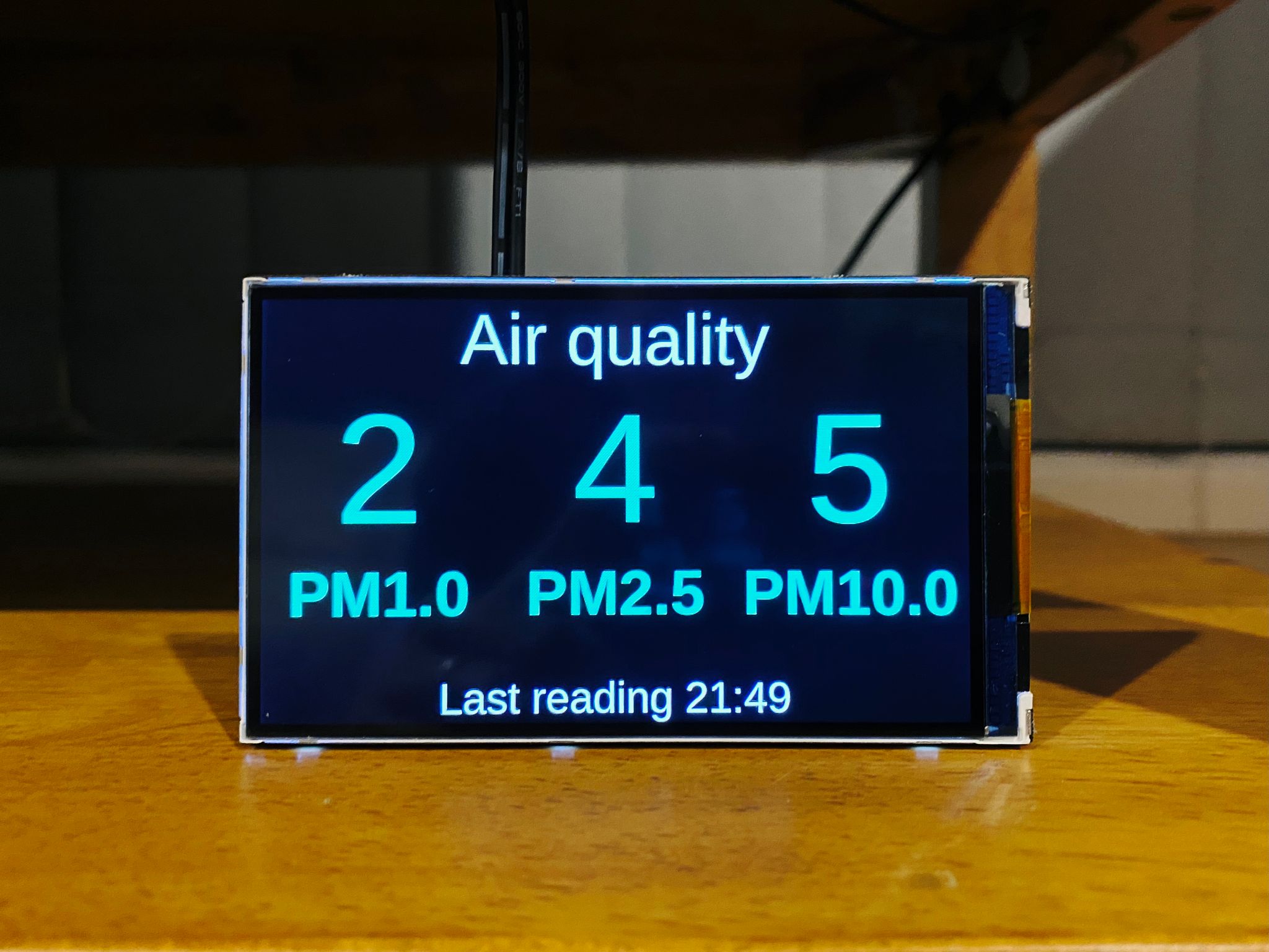
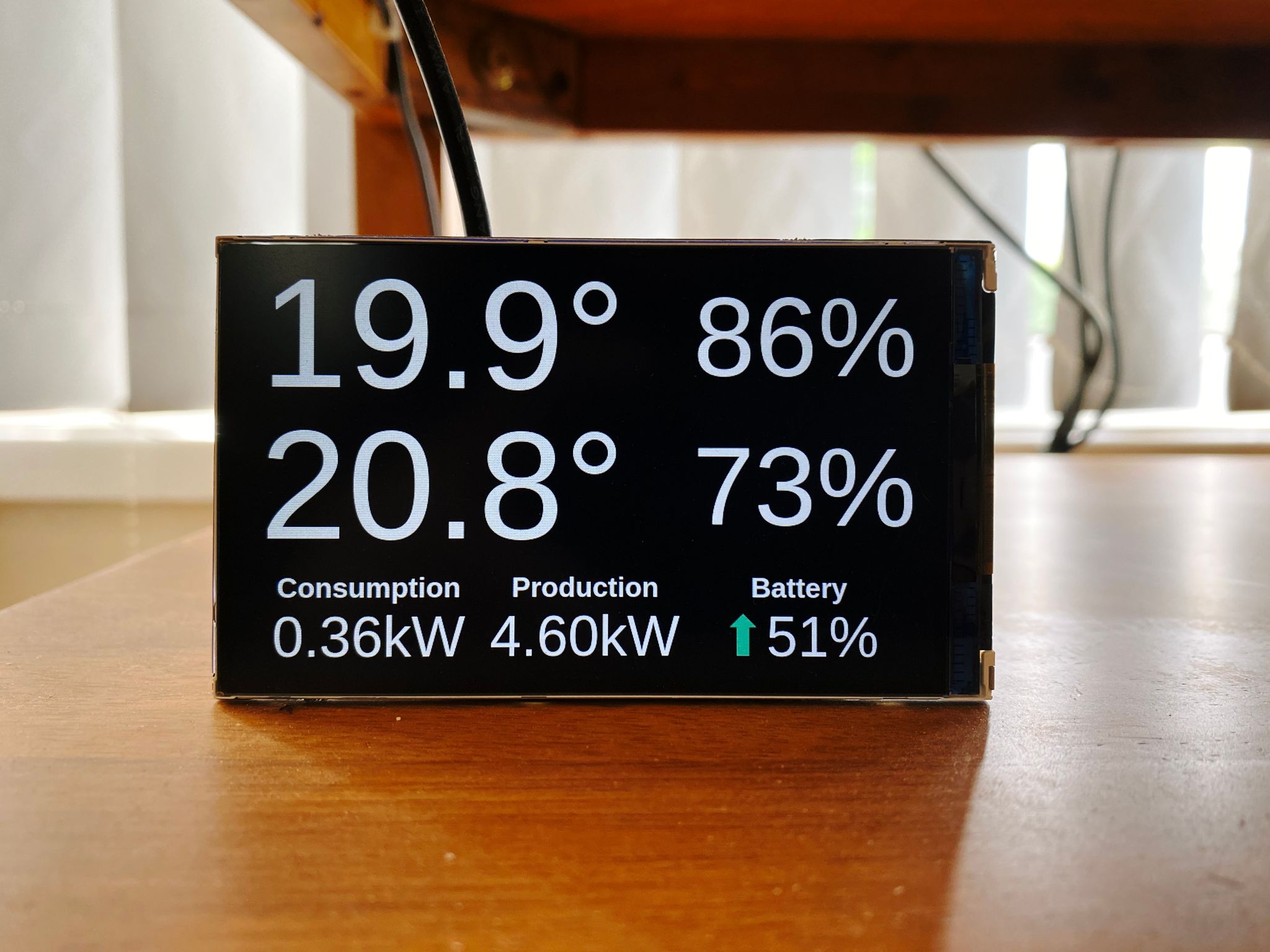
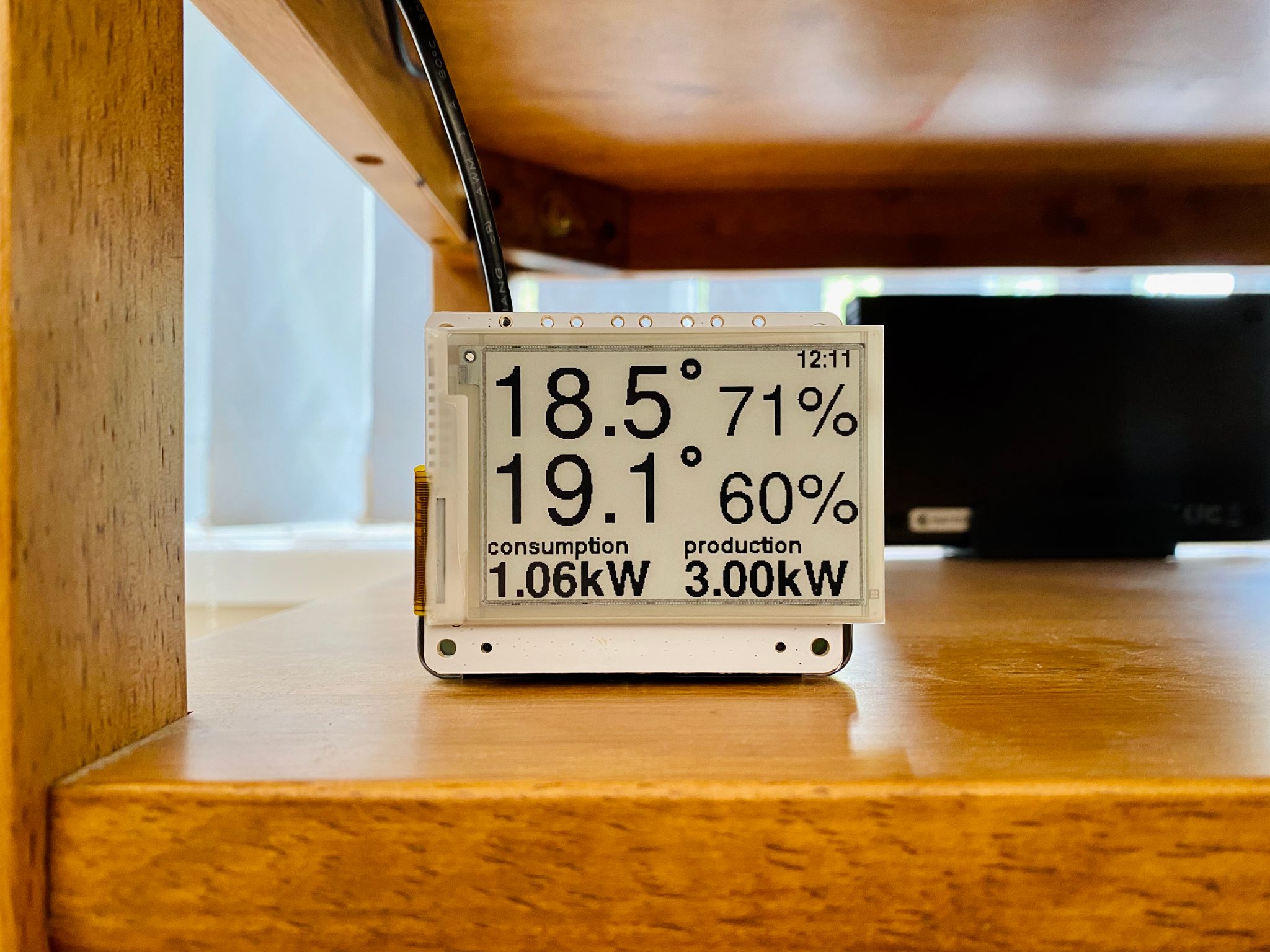
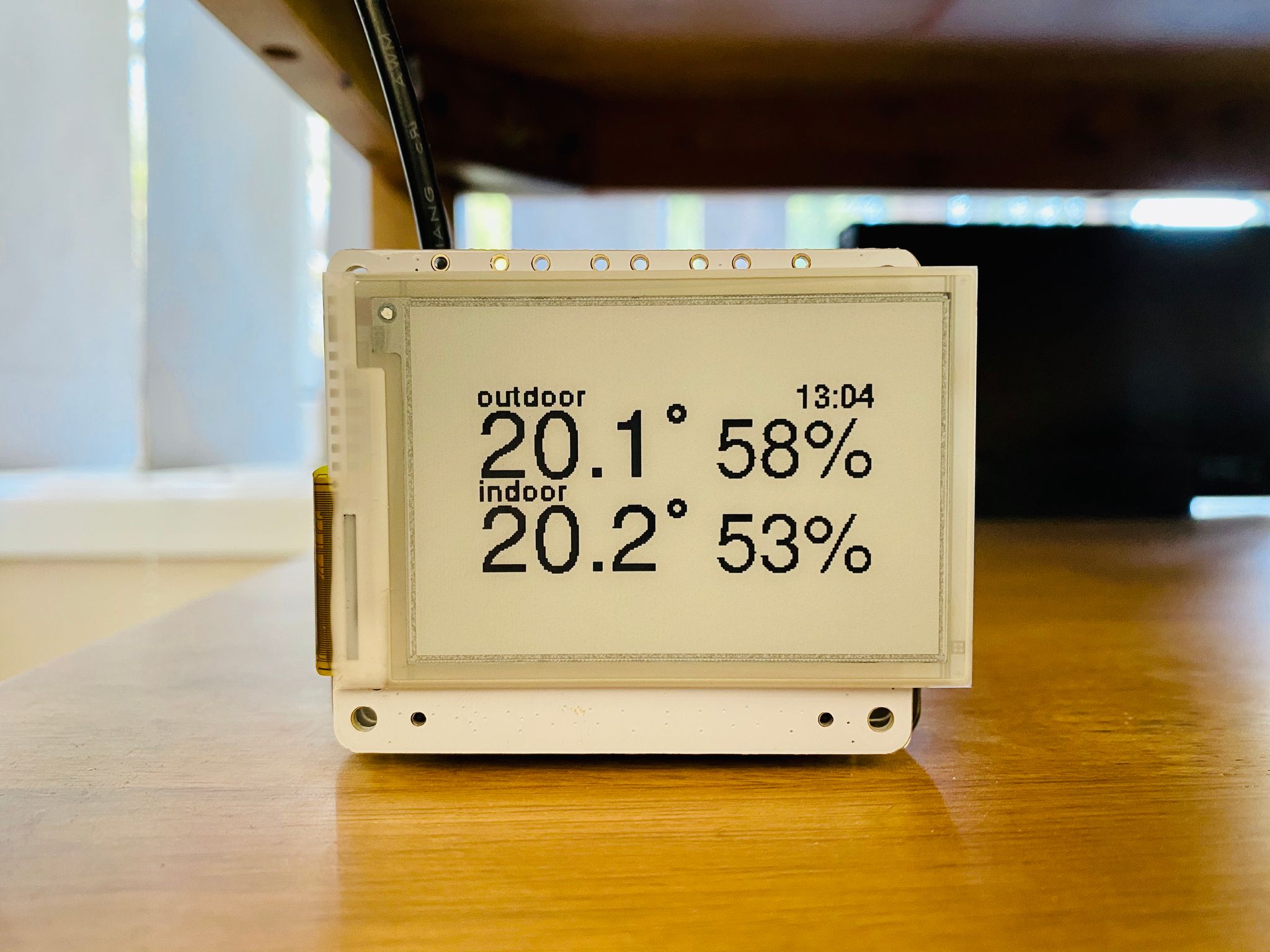
My sensor-activated Raspberry Pi e-ink display setup for the back room is aliiiive! 🎉 AND I managed to write the Raspberry Pi code fully in Python as well. 💪🏻
The ESP32 polls the distance sensor every 50ms and checks to see if the distance read is less than a given threshold (the distance from sensor to floor is about two metres, so I set the threshold to trigger at 1.5m so it'll go off if someone walks through the doorway). If the threshold is breached, it'll send a message to an MQTT topic with a payload indicating that the sensor was triggered and will not send any more messages even if the sensor is triggered again within a user-specified period of time. Once that same user-specified period of time has passed with the distance threshold NOT being breached, it'll send another message to the MQTT topic saying the sensor is no longer triggered.
On the Raspberry Pi side of things, my Python code listens to the MQTT topic that the ESP32 is publishing to, and if it receives a "triggered" message, it checks to see if the display is already on and being updated and will turn it on and start updating every minute if not. Once it receives a "not triggered" message, it'll clear the display so it's effectively "off".
In the video, I set the trigger ignore period to ten seconds which is why it turns back off so quickly, but in ordinary use I have it set to an hour.
I am by no means a professional Python developer, but if you're curious, the code is on Codeberg (ESP32 and Raspberry Pi)).
Posted on 7 January 2025, 14:08